Why it's built this way
Headline
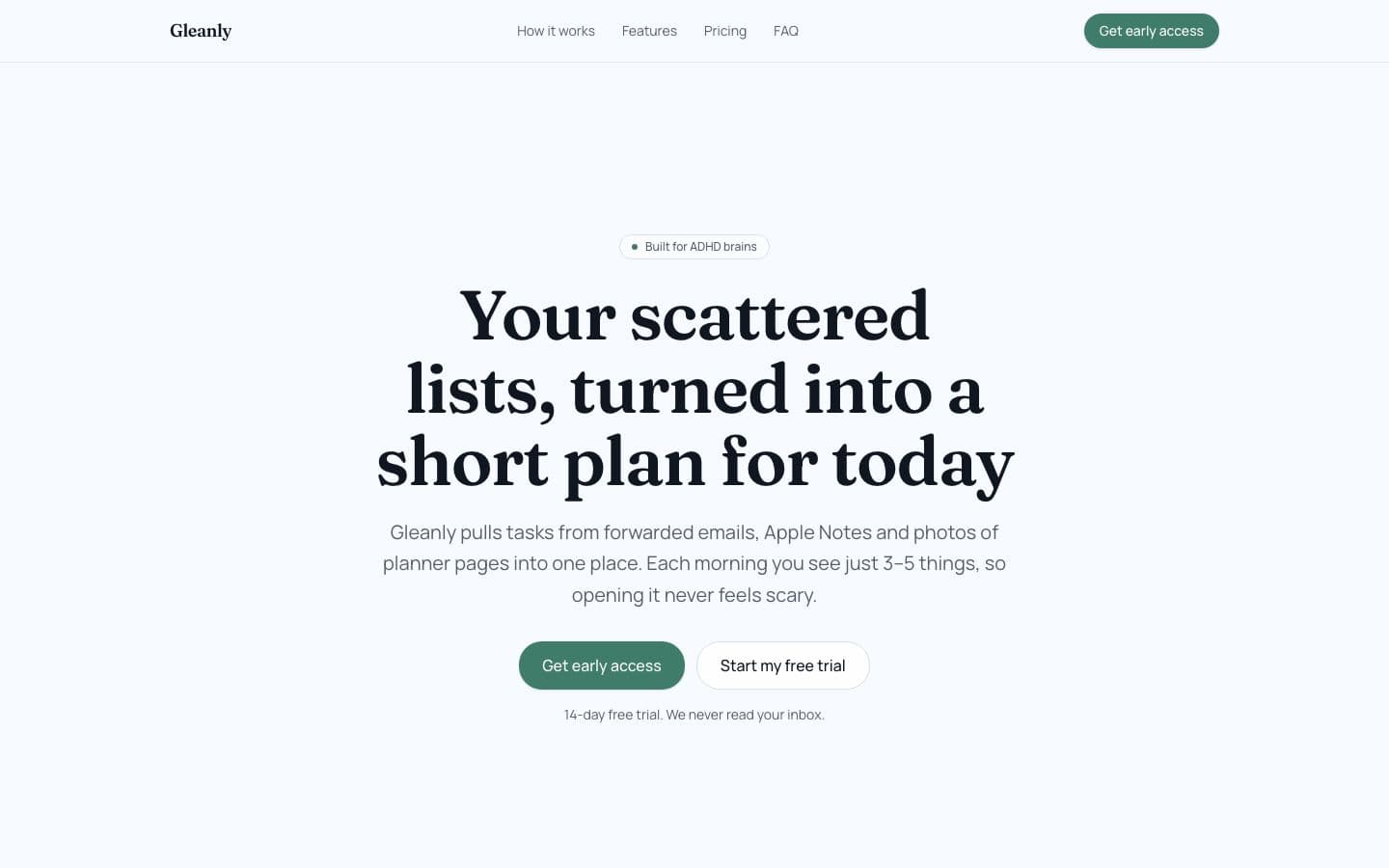
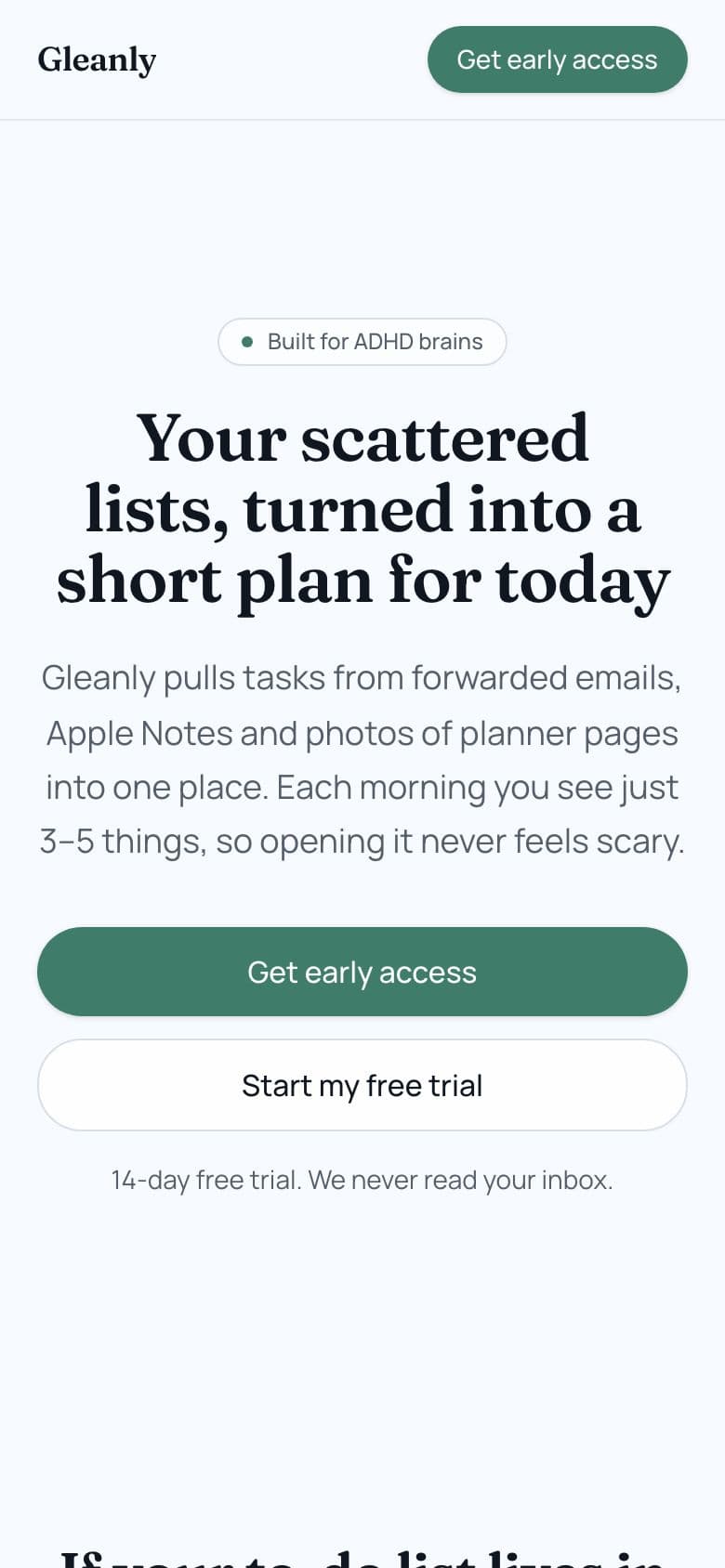
Your scattered lists, turned into a short plan for today
People said their tasks are spread across many places and that they rebuild the day's list every morning. The headline names that mess, "scattered lists," and promises the fix they asked for: a short plan for today. "Short" also speaks to people who are too afraid to open a long list.
Words it borrows from real posts:
- “rebuild my to do list”
- “can't remember where”
- “not knowing what's coming up”
- “too afraid to look at my to do list”
Sections, in order (11)
- Navigation: It gives quick links to how it works, features, pricing and FAQ, and keeps the early access button in view, so a visitor can jump to what they care about.
- Hero: It states the fix in one screen. The mockup shows four tasks, each tagged with where it came from, which answers the worry of not knowing where the other lists are.
- Problem: It plays back what people wrote: forgetting where lists are, rebuilding the list each morning, freezing at a long list, and pushing the same task again and again.
- How it works: People asked how to pick one system and stick to it. Three steps show there is no system to build: you send tasks in and get a short plan back.
- Features: Each feature answers one pain from the posts: hunting for lists, dread of opening the list, the same task rescheduled many times, and the morning rebuild.
- Who it's for: It says who the page is for and who it is not for, so people with tasks in many places see themselves, and people who need team tools leave early.
- Comparison: People asked how to choose one platform. This table explains why the existing options fall short when tasks already live everywhere.
- Pricing: It shows the two plans and the free trial in one place, so the test can see whether people will look at a price and still click.
- FAQ: It answers likely doubts before they stop a click: privacy of email, which sources it reads, setup time, and the fear of dropping yet another app.
- Final call to action: It repeats the core promise, a short plan instead of a scary list, and gives one last button for people who read to the end.
- Footer: It closes with a one-line summary of what the product does and who it is meant for.
Price
- Monthly: $8 a month
- Yearly: $60 a year
The monthly plan at $8 lets someone try it with little commitment. People wrote about dropping systems before, so a monthly option helps. The yearly plan at $60 rewards those who expect to stay. The test can show which of the two people pick.
Call to action
The button says Get early access. After the click: Gleanly is almost ready
"Get early access" fits a product that does not exist yet. Ghostlaunch built this page to test the idea. The click only asks for interest, and a dialog then explains that Gleanly is almost ready.
Look
Brand colour #3F7D6A, the “elegant” font pair, a light theme.
A muted green on a light background feels calm. That suits people who are afraid to look at their list. The elegant font pair makes the page feel quiet and considered rather than busy, matching the promise of one calm plan.
The demand behind it
Gleanly was built for a problem people keep posting about: People keep tasks in many places, from planners and notes to messages and emails sent to themselves, and some "can't remember where" their other lists are. Some sit down every morning and "rebuild my to do list" from memory and scattered notes, while others say they are "not knowing what's coming up" and get stuck not knowing where to start. Too many lists makes some people afraid to even look, so they avoid the list and lose the day.
“I have been scrolling nonstop because im too afraid to look at my to do list and i can't remember where are my other task lists too”
r/selfimprovement · 13 Oct 2026 · Read it on Reddit (I have been scrolling nonstop because im too afraid to look at my to do list and i can't remember where are my other task lists too) “How to choose a single platform for your 'life system' and stick to it?”
r/productivity · 5 Oct 2026 · Read it on Reddit (How to choose a single platform for your 'life system' and stick to it?)
Make one for your idea
Describe your idea and see who's asking for it. If you want, Ghostlaunch builds a page like this one and runs the 7-day test.
More app examples
- Currimix · Homeschool Curriculum Matcher
- Passwerk · Exam Writing and Speaking Grader
- Againly · Forgiving Habit Tracker
- All app landing page examples